
Quick answer: Garmin Express has no native Linux version
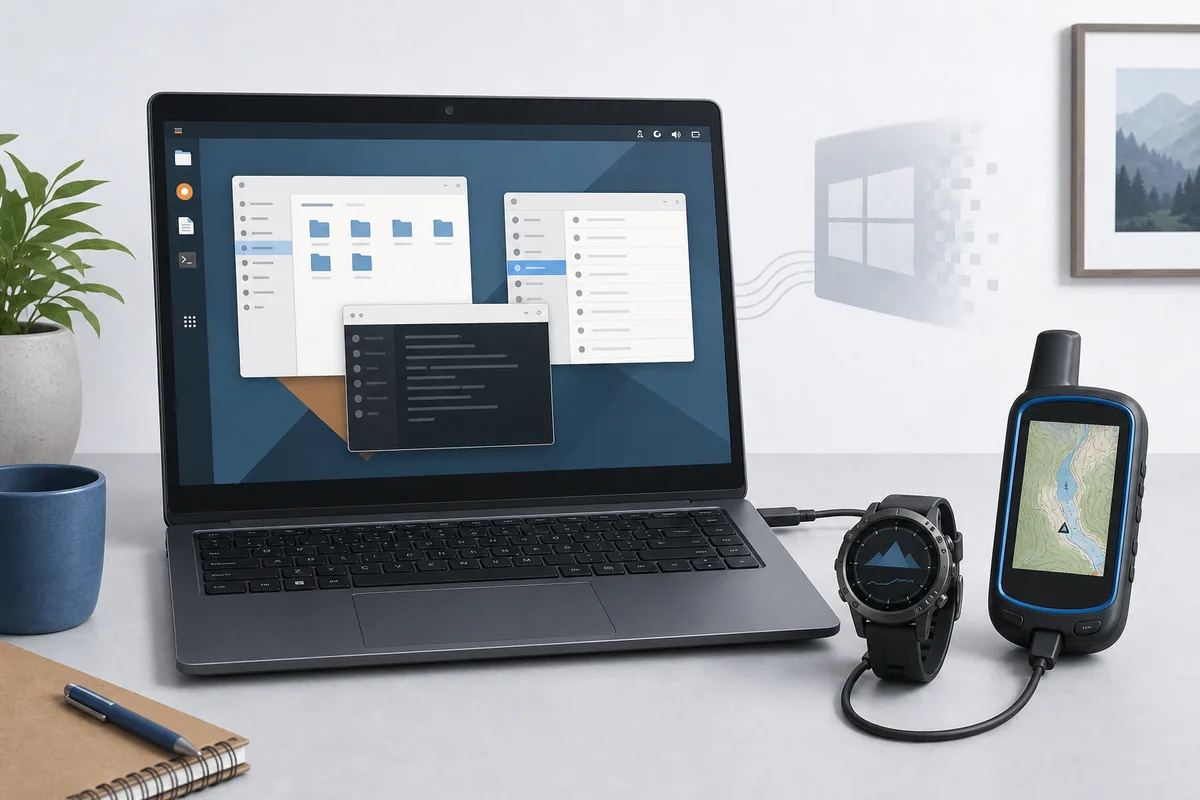
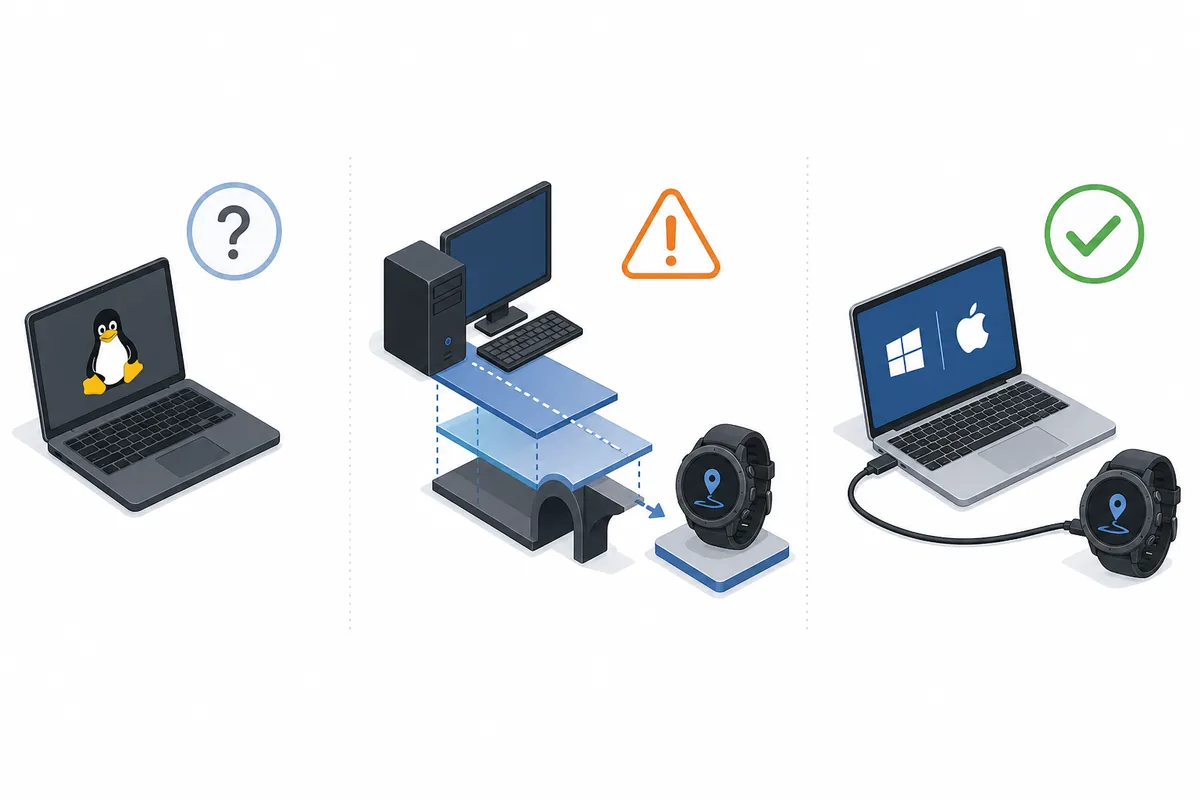
The direct answer is no: Garmin Express is a desktop maintenance application for supported Windows and macOS computers, not Linux. Garmin’s current official downloads are a Windows EXE and a macOS DMG. A website offering a Linux package under the Garmin Express name is therefore not an official Garmin release.
Express does more than show a desktop window. It detects USB hardware, communicates with Garmin services, stages large map files and may update device software. A compatibility layer can render the interface while still failing at the device or transfer layer.
official Garmin support article.
Garmin Support
Verified July 23, 2026: Garmin still offers current Express installers only for Windows and macOS. There is no verified Linux installer or official Linux download CTA.
Why Garmin Express under Wine is unreliable
Wine translates Windows application calls, but it does not guarantee that Garmin’s USB drivers, services, sign-in components and updater behave like they do on Windows. Community reports are mixed and can change after any Wine, kernel or Express update.
Do not test an experimental Wine setup during a critical firmware flash or multi-gigabyte map installation. If you experiment, use a noncritical device, back up accessible files first and assume the result can fail.
A successful installation is not the same as a supported maintenance path. Express may depend on helper processes, embedded web authentication, local databases and privileged access to a connected device. Each layer can fail independently under Wine, so a screenshot of the dashboard is weak evidence compared with a completed, repeatable device update.
Safer alternatives for Linux users
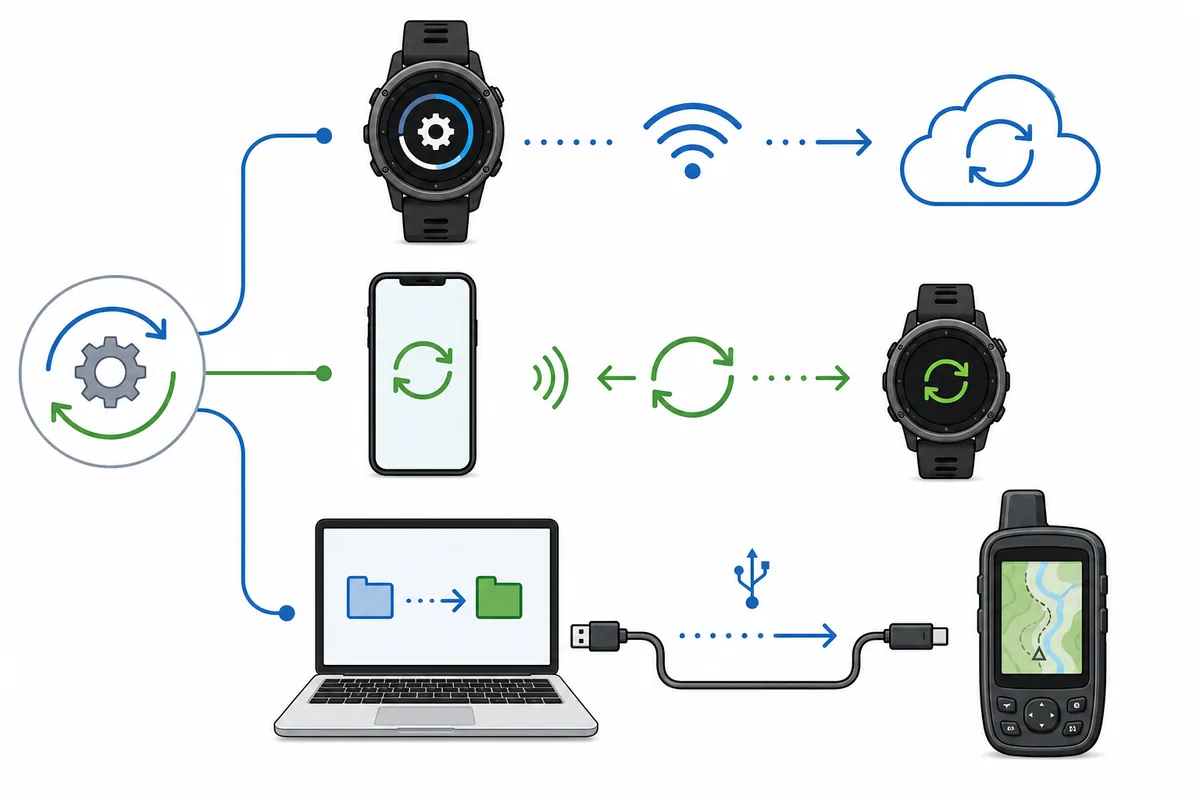
For fitness watches and cycling devices, Garmin Connect Mobile often handles activity sync, settings and some software updates through Bluetooth or Wi-Fi. Device capability varies, so check the product manual rather than assuming the mobile app replaces every Express feature.
For full map management, large content transfers, recovery work or tasks that require Express, use a supported Windows or Mac computer. A borrowed computer is safer than an unknown Linux package; a virtual machine can still fail at USB passthrough.
There is no single replacement for every Express feature. Garmin Connect Mobile is designed around activity and account workflows, device Wi-Fi is limited by model and update type, and a normal Linux file manager should only be used for files the product documentation expects users to access. Automotive map licensing and recovery operations remain strong reasons to use a supported desktop.
USB, maps and firmware: what can go wrong
A charge-only cable or missing USB permission can look like a Wine failure. Confirm whether Linux can see the device at operating-system level before drawing conclusions. Map and firmware jobs are riskier than reading files.
Do not manually copy map packages from unverified mirrors, guess CDN URLs or interrupt a device update. Keep the device powered, preserve free storage and use Garmin’s supported workflow for system software or licensed maps.
Virtualization adds another boundary. Even when a Windows guest starts Express, the Linux host must hand the USB device to that guest consistently through disconnects, reboots and mode changes. That can be acceptable for cautious testing, but it is a poor choice for time-sensitive recovery unless you already know the passthrough setup is stable with the exact device.
- Activity sync
- Watch update
- Large map installation
- Firmware recovery
- File backup
Garmin Express Linux decision table
Use the table to choose the lowest-risk path. The goal is not to prove that a window can open under Wine; it is to complete the intended device task without corrupting data, losing licensed content or relying on an unsupported installer.
If your device is not detected even on Windows or Mac, continue with the troubleshooting guide and check the cable, USB port, device mode, storage and network.
If you maintain several Garmin products, document which jobs can be completed by phone, Wi-Fi or direct file access and reserve a supported computer for Express-only work. This is more reliable than repeatedly rebuilding a Wine prefix after application updates. Recheck Garmin support before assuming a future Linux package exists, because third-party download pages can use official-looking names without being first-party releases.
| Task | Best route | Linux/Wine risk |
|---|---|---|
| Activity sync | Garmin Connect Mobile | Low when supported |
| Watch update | Device Wi-Fi or mobile app | Model dependent |
| Large map installation | Garmin Express on Windows or Mac | High |
| Firmware recovery | Supported desktop and Garmin instructions | Very high |
| File backup | Linux file manager when mounted | Low; do not alter unknown files |
Garmin Express for Linux — FAQ
Does Garmin Express work on Linux?
Garmin does not provide or support a native Linux version. Wine may fail at USB detection or transfers.
Can I download Garmin Express for Ubuntu?
There is no official Ubuntu, Debian, Fedora, AppImage, Snap or Flatpak package from Garmin.
Can Wine install Garmin Express?
Some versions may open, but that does not make USB, sign-in, maps or firmware reliable.
What is the best alternative?
Use Garmin Connect Mobile or device Wi-Fi for supported tasks, and Windows or macOS for Express-only maintenance.
Is an unofficial Linux installer safe?
Avoid repackaged installers and unknown mirrors.