
Is Garmin Express for iOS available?
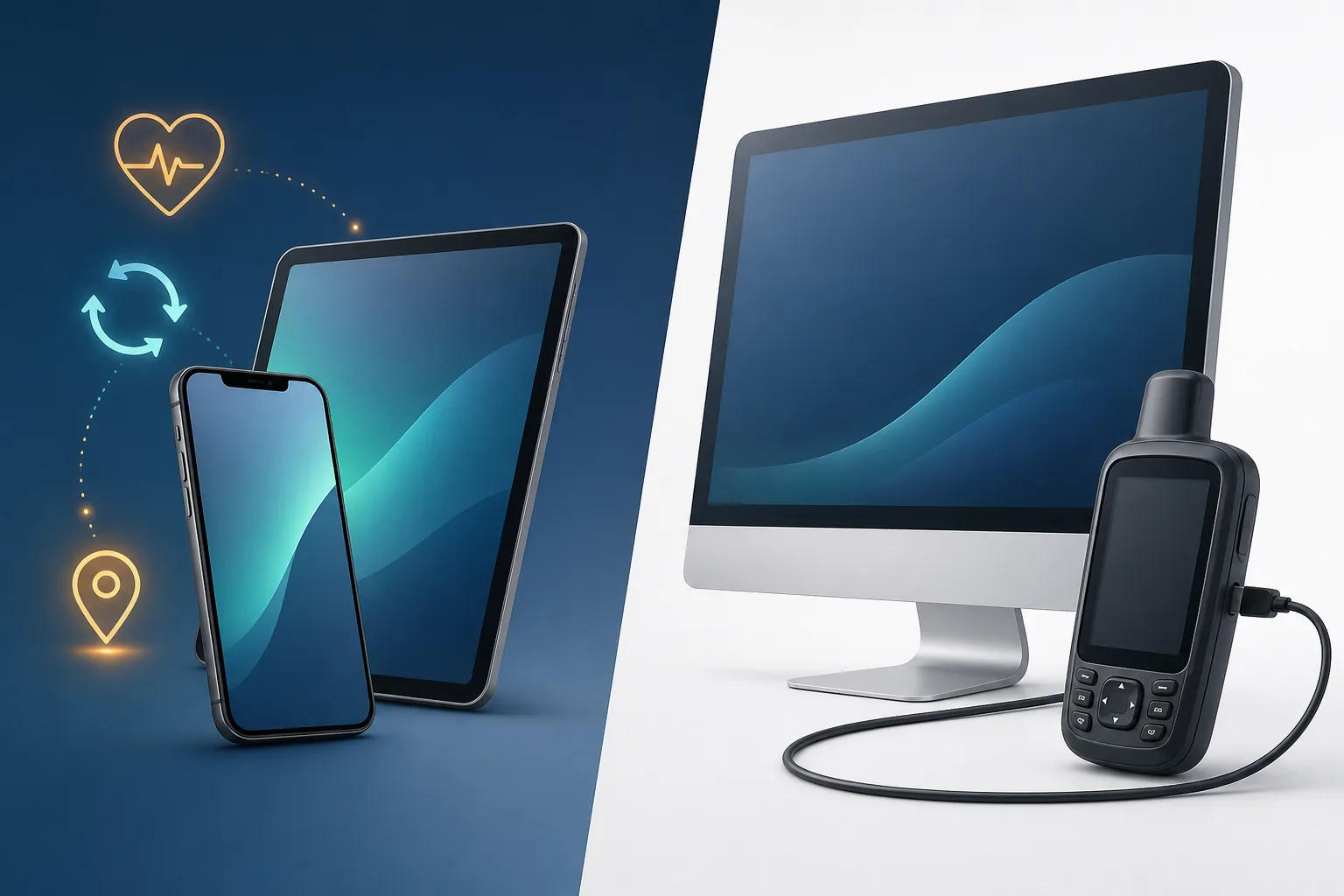
Garmin Express is built around computer workflows: installing desktop software, connecting certain Garmin products by USB, downloading large map packages and writing updates to a device. iPhone and iPad do not provide the same desktop installer or general USB device-management environment.
Garmin Connect mobile is the correct iOS app for many supported watches and fitness devices. It focuses on pairing, synchronization, activities, health data and connected services rather than the desktop map-management jobs handled by Express.
An iPad with a keyboard or USB-C port is still an iOS or iPadOS device, not a Mac. Desktop-style accessories do not make a DMG compatible with the tablet. If the Garmin instructions require Express, use a supported Windows PC or Mac.
Garmin Connect on iOS
Use for supported pairing, synchronization, activities and fitness data. Get it only from the official App Store listing.
Open the App StoreGarmin Express on a computer
Use a compatible Windows or Mac computer for device tasks that specifically require Express and USB.
Choose a desktop downloadChoose Garmin Connect or Garmin Express by task
Start with the job you need to complete rather than the Garmin product name alone. A modern watch may use Connect mobile for everyday synchronization, while an older navigation device may still require Express on a computer.
Some Garmin product families use another dedicated mobile application, so Connect is not automatically correct for every product either. Follow the official setup instructions for the exact model and install only the named app from Apple's App Store.
The safest answer to a Garmin Express for iOS search is to match the task to the platform: Garmin Connect handles supported mobile pairing and synchronization, while Garmin Express remains a computer application for USB, map and device-management work. Do not install an IPA or configuration profile advertised as an iPhone version of Express.
| Task | Use on iPhone/iPad | Use on computer |
|---|---|---|
| Pair a supported wearable | Garmin Connect | Usually not required |
| Review activities and health data | Garmin Connect | Garmin Connect Web |
| Install eligible automotive maps | Not a normal iOS task | Garmin Express |
| Update supported device software | Connect for supported mobile workflows | Express when device instructions require it |
| Register a compatible older navigation device | Not normally | Garmin Express |
| View Garmin account data | Garmin Connect | Garmin Connect Web |
When you still need Windows or Mac
If Garmin's instructions name Garmin Express, plan to use a supported computer. Trying to replace that workflow with an iPhone cable or unrelated mobile file manager can leave the device unrecognized or the update unavailable.
A computer is especially important when Express must download a large map, verify an entitlement and write data over USB. Keep enough free disk space on that computer and use a stable internet connection; the storage available on the iPhone does not help the desktop update.
- The device instructions explicitly say to install Garmin Express.
- A map update must be downloaded and transferred by USB.
- The product needs computer-based registration or content management.
- Garmin Connect mobile does not show the update or device function you need.
- The update package needs more storage or a more stable connection than the phone workflow provides.
Garmin Express for iOS search scenarios
People often search for Garmin Express for iOS after seeing a computer instruction that does not match the device in hand. The correct answer depends on whether the goal is phone-based synchronization or computer-based maintenance. There is no iPhone or iPad version of Express, so changing the wording of the App Store search will not reveal a legitimate installer.
If the goal is to pair a supported Garmin watch with an iPhone, install Garmin Connect from Apple's App Store and follow the watch's pairing instructions. If the goal is to view activities on an iPad, use the supported Garmin Connect app or Garmin's web service where appropriate. Neither case requires a Garmin Express for iOS download.
If the goal is to update a compatible automotive navigator or another product whose instructions specifically name Express, move the task to a Windows or Mac computer. Install the current desktop application, connect the Garmin device with a USB data cable and let Express identify available services. The iPhone may remain useful for account access, but it cannot run the desktop map installer.
Be cautious when a website claims to offer Garmin Express for iOS as an IPA, configuration profile or enterprise application. Garmin's legitimate mobile application is distributed through official app stores under the appropriate product name. An iOS download that asks you to disable protection, trust an unrelated developer or install a profile is not a substitute for Garmin Express.
The safe rule is simple: use Garmin Connect for a supported iPhone workflow, and use Garmin Express on a supported computer only when the device instructions require desktop software.
Pair a Garmin watch
Use the official Garmin Connect app when the watch supports mobile pairing.
Open the App StoreUpdate a navigation map
Use Garmin Express on Windows or Mac when the model and entitlement support the update.
Read the map guideReview activities on iPad
Use Garmin Connect or the official web experience rather than an Express installer.
Compare the productsFollow an Express-only instruction
Move to a supported PC or Mac and use the official desktop file from Garmin.
Choose a computerDownload the correct Garmin app on iPhone
Use the App Store rather than a web page offering an IPA or configuration profile. Garmin Express has no legitimate iOS installer, so a website using that name for a mobile download is a warning sign.
Review the developer name, ratings history, privacy information and requested permissions before installing. A legitimate Garmin app should not ask you to disable iOS protections or install an enterprise profile from an unrelated company.
- 1
Open Apple's App Store
Use the built-in App Store application on the iPhone or iPad.
- 2
Search for Garmin Connect
Look for the exact product name rather than Garmin Express.
- 3
Verify the listing
Confirm the developer is Garmin and review the official listing details before installation.
- 4
Pair only supported devices
Open Connect and follow the device-specific pairing instructions. Use a computer if Garmin directs that product to Express.
Garmin Express iOS FAQ
Can I download Garmin Express on iPhone?
No. Garmin Express is available for supported Windows and Mac computers, not iPhone.
Can I download Garmin Express on iPad?
No. Use Garmin Connect for supported iPad/iPhone workflows and a compatible computer when the task requires Express.
Is Garmin Connect the same as Garmin Express?
No. Connect is the web and mobile platform for activities and connected data; Express is desktop software for compatible device maintenance.
Can Garmin Connect update maps?
Garmin Connect is not the normal replacement for Express map installation. Many eligible map-capable devices require Express on a Windows or Mac computer.
Where is the official Garmin Connect app?
Use Apple's App Store and verify the official Garmin listing. Do not install third-party IPA files or profiles presented as Garmin Express.
Is there an official Garmin Express download for iPhone or iPad?
No. Garmin Express is desktop software for supported Windows and Mac computers. Use the official Garmin Connect app for supported iPhone or iPad workflows, and move to a computer when Garmin's device instructions require Express.